
Healthcare personnel
More security
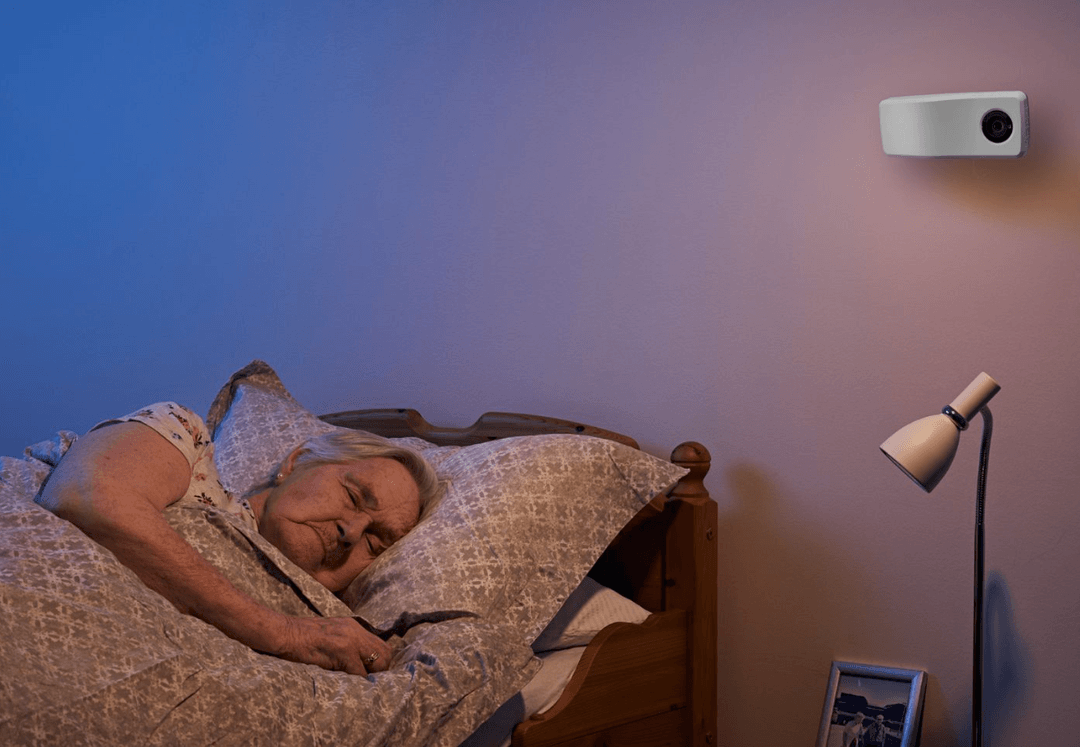
With digital supervision, it is possible to keep an eye even if you are not present in the room. Experience shows that it provides more security for both patient and carer.
Should something happen, an alarm will be sent to the carer’s mobile.
This is how it works
There are two ways to use supervision with Nattugla
1 – Scheduled – An alarm is sent to the service mobile at the chosen time when you want to carry out supervision.
2 – Alarm triggered– Nattugla sends an alarm to the carer’s mobile if one of the selected alarms is triggered in a resident’s room.
Caregivers can easily start supervision on their mobile.
Adhook – Some suppliers have the option to start supervision by searching for a user and then initiating a supervision session.
All activities such as supervision are logged in the admin system

General information
We are here for you
If you can't find the answer to your question, don't worry – we're here to help.
Hepro : + 47 400 04 443
Nattugla : +47 400 04 887