
Create service recipient
First Step
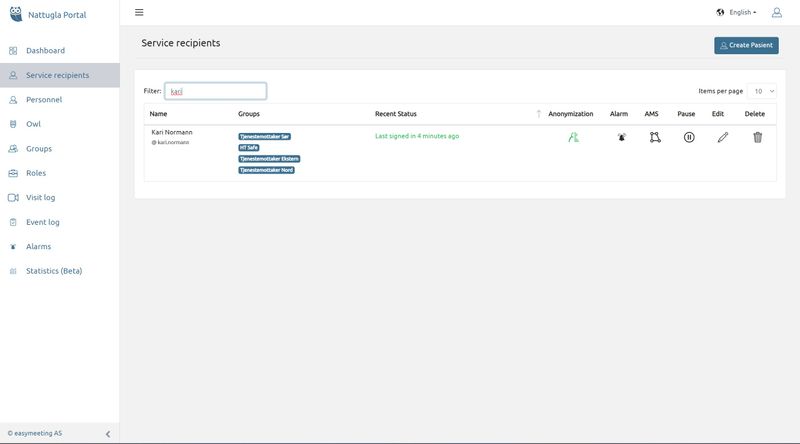
Click on Service recipients in the menu on the left and then click on Create service recipient at the top right.
When creating an account for a service recipient, you can use their name, room number, patient number, etc. as username.
Second Step
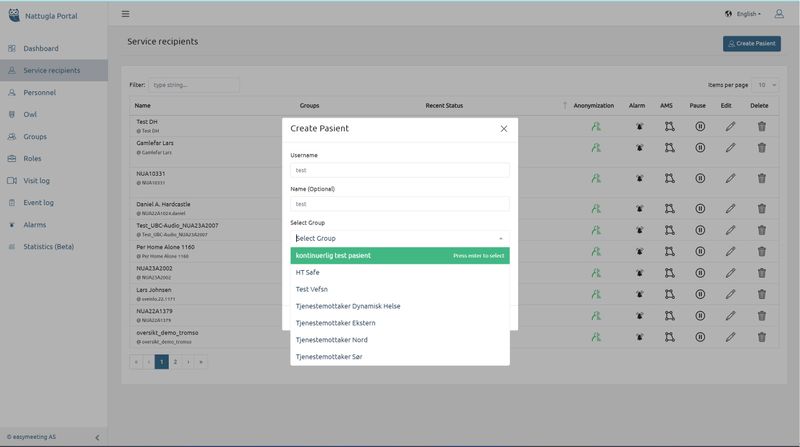
A new window opens and the necessary information is entered here. Username must be filled in.
Press Create Service Recipient when all the fields have been filled in.
We are here for you
If you can't find the answer to your question, don't worry – we're here to help.
Hepro : + 47 400 04 443
Nattugla : +47 400 04 887